Kling AI Motion Control: Precision-First AI Video Generation
Frame-Accurate Trajectory Control. 3.0 Performance. Free to Start.
AI Motion Control powered by Kling AI 3.0 gives you pixel-level command over every movement in your video. Draw custom motion paths, define object trajectories, and let physics-accurate simulation do the rest — all in seconds. The only free ai motion control video generator that rivals professional production.
Kling AI Motion Control 3.0: The Precision Toolkit for AI Video
From wan motion control enthusiasts to professional studios — Kling 3.0 motion control sets the new standard every competitor is chasing
Frame-Level Trajectory Control
Draw exact motion paths for any subject — characters, objects, cameras. Kling AI motion control lets you define start point, end point, and every keyframe in between with pixel-accurate precision. No guessing, no surprises.
Higgsfield-Class Physics Engine
Our Higgsfield-level physics simulation means water ripples, fabric folds, and hair dynamics respond exactly as they would in the real world. This is what separates Kling 3.0 motion control from cheaper alternatives like Seedance 2.0.
Free-Form Motion Path Editor
Unlike Zorq AI or Wan motion control, our visual path editor lets you drag, curve, and reshape trajectories in real time. Complex multi-object choreography is as simple as drawing on a canvas.
Kling AI 3.0 Speed — 10 to 30 Seconds
Kling AI 3.0 generates full HD motion-controlled videos 3–5× faster than Runway and Seedance. Iterate rapidly, test multiple motion paths, and ship creative work faster than ever before.
Free AI Motion Control — No Card Required
Start generating ai motion control free with 10 credits on signup. Upgrade only when you need to. The most accessible free ai motion control video generator on the market — professional power without the paywall.
API & Workflow Integration
Automate your kling motion control ai pipeline via REST API. Integrate with ComfyUI, MidJourney, and custom production stacks. Built for creators and developers alike.
See It in Action
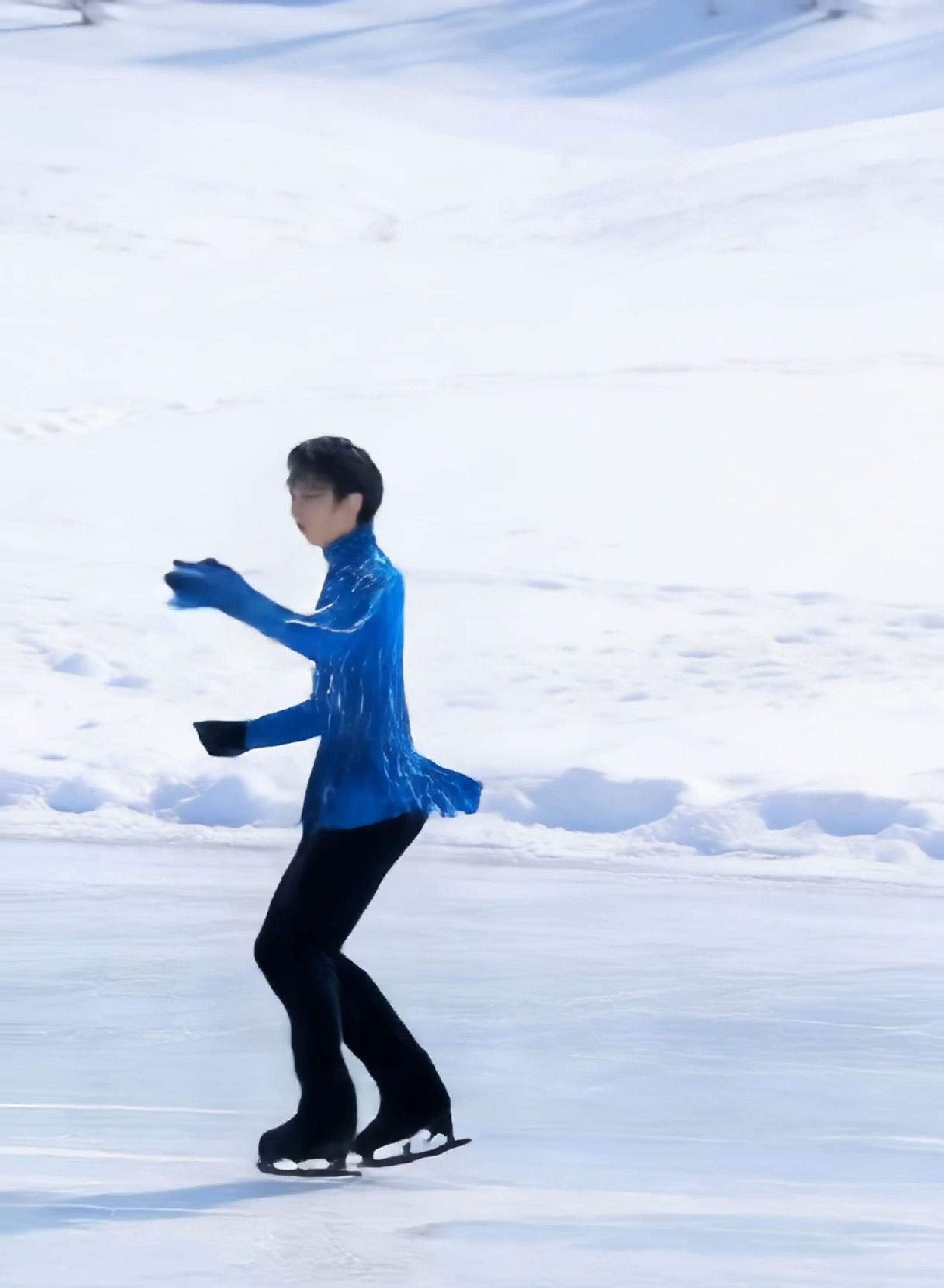
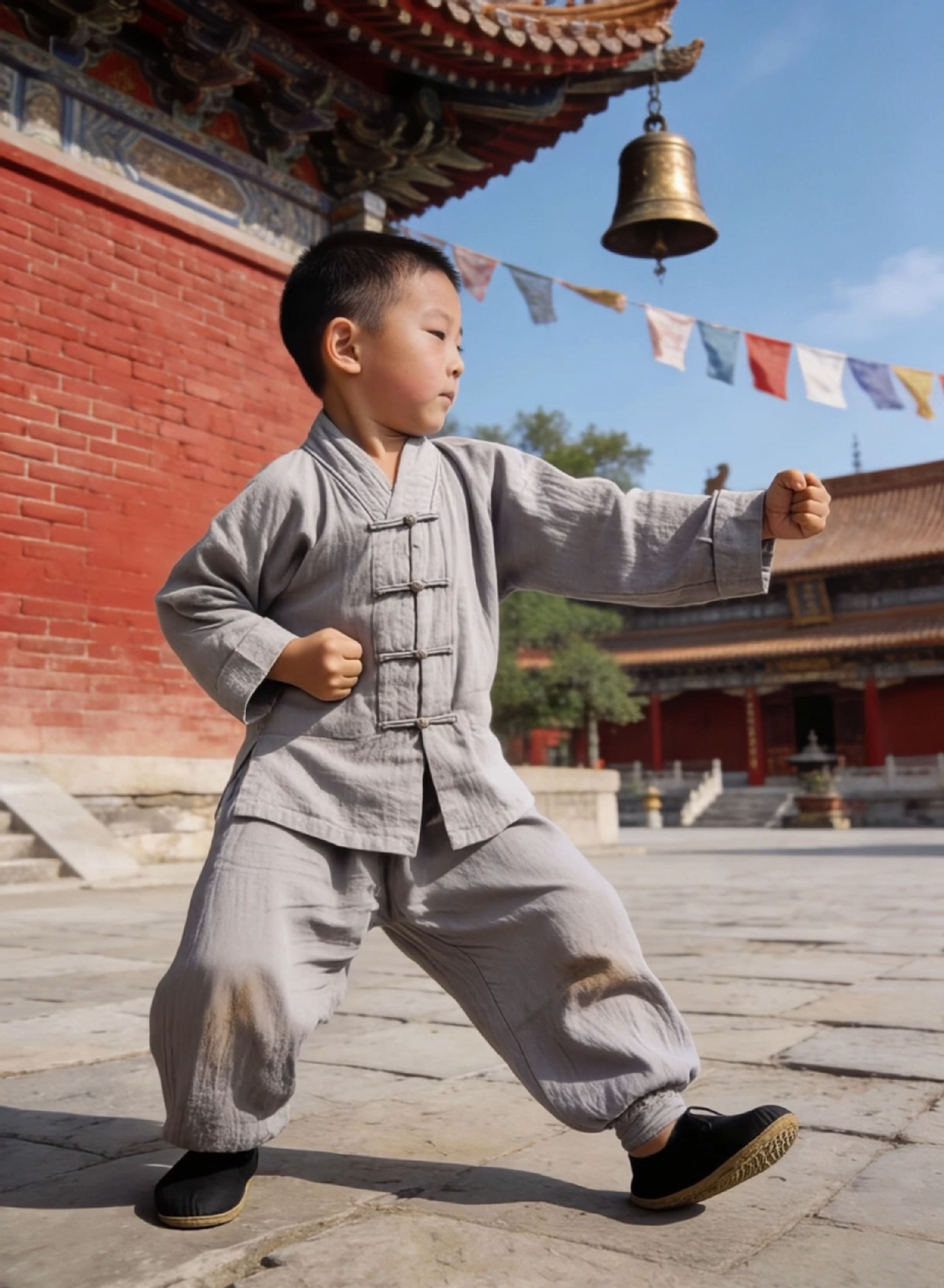
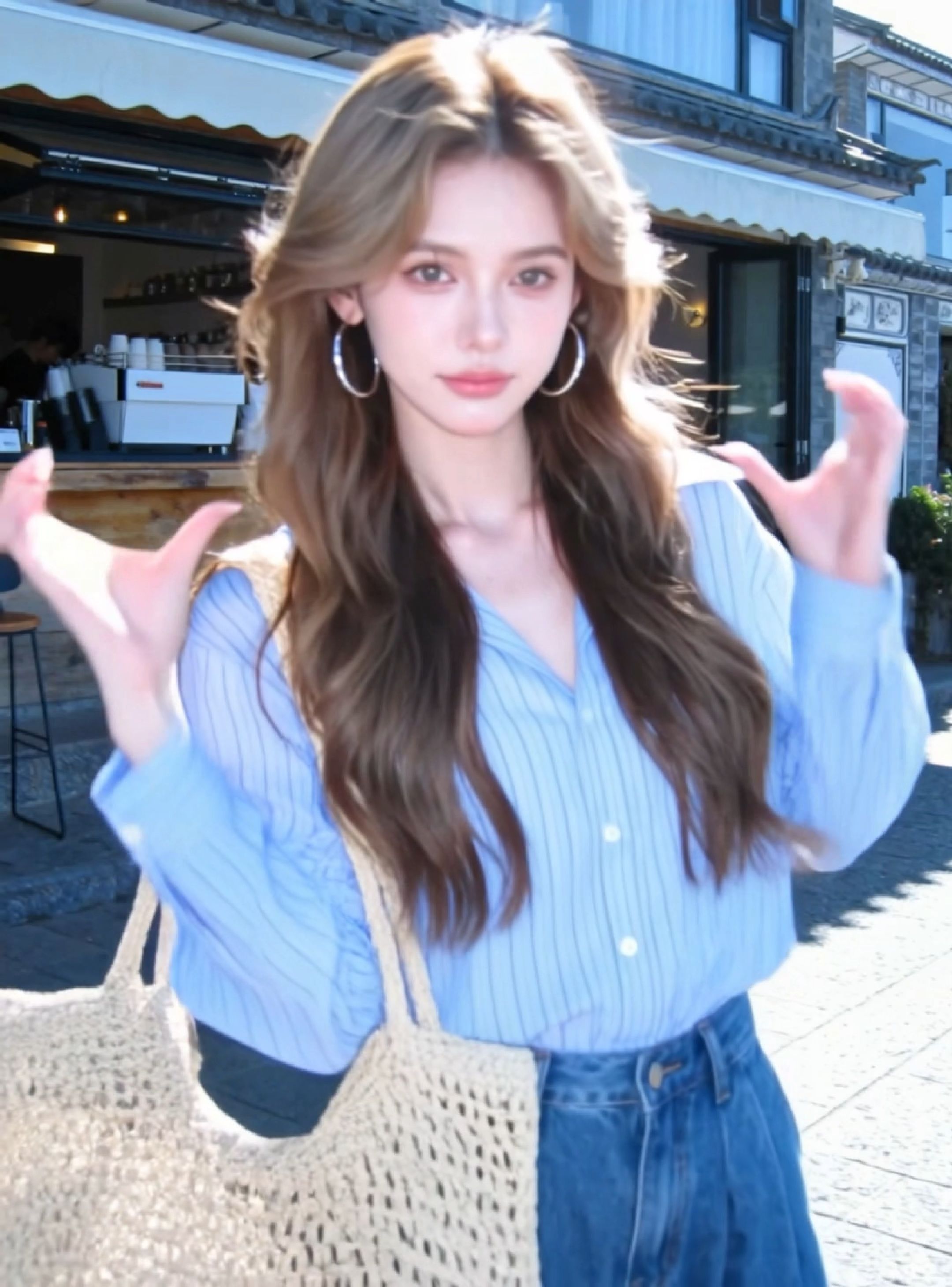
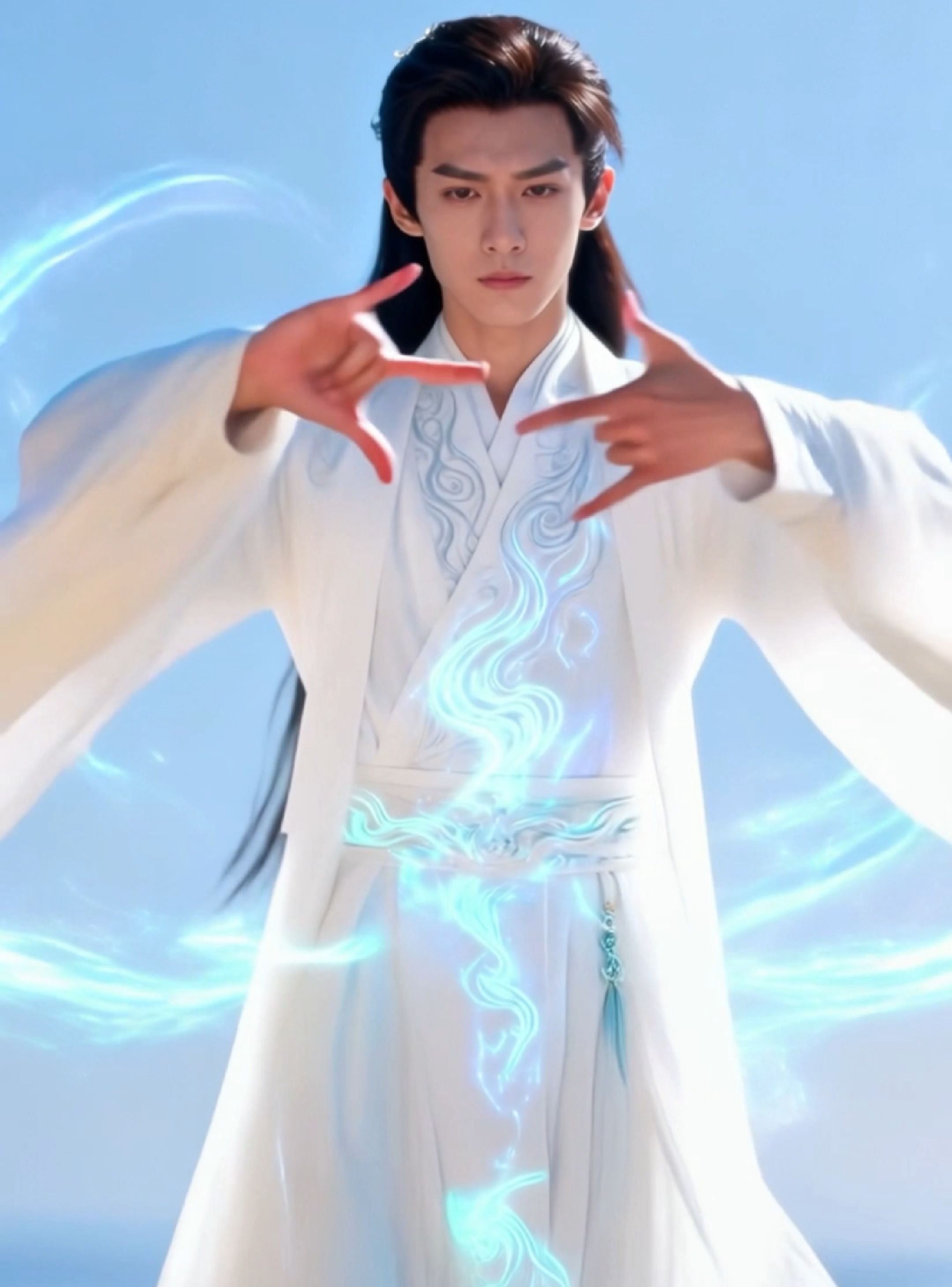
Real outputs generated by AI Motion Control — motion reference transferred to a character image.
Kling vs Higgsfield — Who Really Wins on Motion Control?
We put every major AI motion control tool head-to-head on the metrics that matter most to creators
The Kling vs Higgsfield debate is settled by benchmarks. Kling AI 3.0 motion control outperforms Higgsfield, Seedance 2.0, Zorq AI, and Wan motion control across generation speed, trajectory freedom, and physics fidelity. See for yourself.
| Tool | Generation Speed | Motion Path Freedom | Physics Accuracy | Max Resolution | Free Tier | API Access |
|---|---|---|---|---|---|---|
| Kling AI Motion Control✓ Us | ⚡ 10–30s | ✅ Full Path Editor | ⭐⭐⭐⭐⭐ | 4K UHD | ✅ Free | ✅ Yes |
| Higgsfield AI | ⏱️ 40–80s | ⚠️ Limited | ⭐⭐⭐⭐ | 1080p | ❌ No | ⚠️ Limited |
| Seedance 2.0 | ⏱️ 45–90s | ⚠️ Basic | ⭐⭐⭐ | 1080p | ✅ Yes | ❌ No |
| Zorq AI | ⏱️ 60–120s | ❌ Fixed | ⭐⭐⭐ | 720p | ❌ No | ❌ No |
| Wan Motion Control | ⏱️ 30–60s | ⚠️ Limited | ⭐⭐⭐ | 1080p | ⚠️ Trial | ⚠️ Beta |
Benchmark data based on internal testing, March 2026. Kling AI 3.0 motion control consistently delivers the fastest results with the most freedom in motion path definition.
AI Motion Control FAQ
Everything you need to know about Kling AI motion control, free tiers, and how we compare to Higgsfield and Zorq AI
Is there a free AI motion control video generator?
Yes — ai-motioncontrol.com is the leading free ai motion control video generator. New users receive 10 free credits on signup with no credit card required. You get access to the full Kling AI 3.0 motion control engine, including the visual trajectory editor and physics simulation, completely free. This makes it the most accessible ai motion control free tier vs competitors like Higgsfield and Zorq AI, which offer no free generation at all.
How do I use Kling 3.0 motion control for high-quality video?
Using Kling 3.0 motion control is straightforward. After logging in, upload an image or enter a text prompt, then open the motion path editor. Draw custom trajectory curves for subjects and the camera, adjust the physics preset (fluid, rigid body, cloth), and hit Generate. Kling AI 3.0 will render your motion-controlled video in 10–30 seconds at up to 4K UHD. For best results, define clear start and end keyframes — the engine interpolates a smooth, physically accurate path between them.
What are the best alternatives to Higgsfield and Zorq AI?
If you're evaluating kling vs higgsfield or looking beyond Zorq AI, here's the honest breakdown. Kling AI Motion Control is the fastest (10–30s vs Higgsfield's 40–80s) with a full free tier, free-form path editor, and 4K output. Higgsfield AI offers good physics but limited trajectory freedom and no free access. Zorq AI is the slowest and only supports fixed motion presets. Seedance 2.0 and Wan motion control are decent mid-tier options but lack the precision editor that Kling 3.0 motion control provides. For professionals who need speed, accuracy, and creative freedom — Kling AI is the clear winner.
How does AI motion control work compared to traditional video editing?
Traditional motion control in filmmaking requires physical camera rigs or complex VFX compositing — expensive and time-consuming. AI motion control uses a deep neural model trained on millions of real-world motion sequences. You describe or draw the motion path, and Kling AI motion control synthesizes a physically plausible video where subjects, cameras, and environmental elements (water, fabric, light) move exactly as specified. What once took a film crew days takes Kling AI 3.0 under 30 seconds — available as a free ai motion control online tool.
Ready to try AI Motion Control?
No credit card required. 10 free generations on signup.
Start for Free →About AI Motion Control and the Kling AI 3.0 Ecosystem
What is AI Motion Control?
AI motion control refers to the ability to precisely direct the movement of subjects, objects, and cameras within an AI-generated video. Unlike basic text-to-video tools, an ai motion control platform lets you draw trajectory paths, set keyframes, and define physics behaviors before generation. Kling AI motion control, built on Kling AI 3.0, is the most advanced implementation of this technology available online — and uniquely offers a free tier so any creator can explore it without cost.
Kling AI Motion Control vs Higgsfield
The kling vs higgsfield comparison is one of the most searched topics among AI video creators. Higgsfield ai motion control pioneered physics-aware video generation, but Kling AI 3.0 surpassed it with faster rendering (10–30s vs 40–80s), higher maximum resolution (4K UHD vs 1080p), a free generation tier, and a visual motion path editor that Higgsfield does not offer. For creators who need higgsfield ai motion control-level quality with more creative freedom, Kling AI motion control is the superior choice.
Kling 3.0 Motion Control Capabilities
Kling 3.0 motion control introduces the Omni motion model — a unified architecture that handles character motion, camera movement, object physics, and environmental dynamics in a single inference pass. This is a significant leap over Kling 2.0 and Kling 2.6, which handled these elements separately. The result is more coherent, cinematically accurate motion that rivals studio VFX pipelines. Kling 3.0 motion control is available through our online interface and REST API.
Competing Tools: Seedance 2.0, Zorq AI, and Wan Motion Control
The AI motion control space includes several alternatives worth knowing. Seedance 2.0 offers reasonable quality but lacks a free tier and trajectory path editing. Zorq AI is limited to fixed motion presets with longer render times. Wan motion control is an emerging open-source option still in beta. All of these lag behind Kling AI motion control in generation speed, output resolution, and the depth of motion customization available through our visual editor.
Free AI Motion Control — How to Get Started
Getting started with free ai motion control is simple. Sign up at ai-motioncontrol.com with your email — no credit card required. You'll receive 10 free credits immediately, each redeemable for one motion-controlled video generation. Use the visual path editor, choose a physics preset, and generate your first video in under 30 seconds. Upgrade to a Creator or Professional plan when you're ready for unlimited ai motion control online access and 4K resolution.
AI Motion Control for Developers and Studios
The Kling AI motion control API gives developers full programmatic access to Kling 3.0 motion control. Define motion paths as JSON keyframe arrays, select physics presets, and receive 4K video output via webhook. Perfect for automating content pipelines, building creative tools on top of kling motion control ai, or integrating into existing ComfyUI and MidJourney workflows. Studio Pack subscribers get priority API throughput and batch processing.
ai-motioncontrol.com is an independent platform and is not officially affiliated with Kuaishou, Higgsfield, Seedance, or other mentioned companies. Kling AI is a trademark of Kuaishou Technology. All other trademarks belong to their respective owners.