Motion Control in the Wild
Four real examples. No cherry-picking. Just motion references, character images, and what comes out the other side.
Most AI-generated video still feels wrong in motion — subjects drift, limbs lose proportion, and anything faster than a slow walk starts to fall apart. The cases below were generated with a single motion reference video and a character image. No manual frame editing, no cleanup. What you see is what the model produces.
Ice Skating
High-speed full-body motion — character stays intact
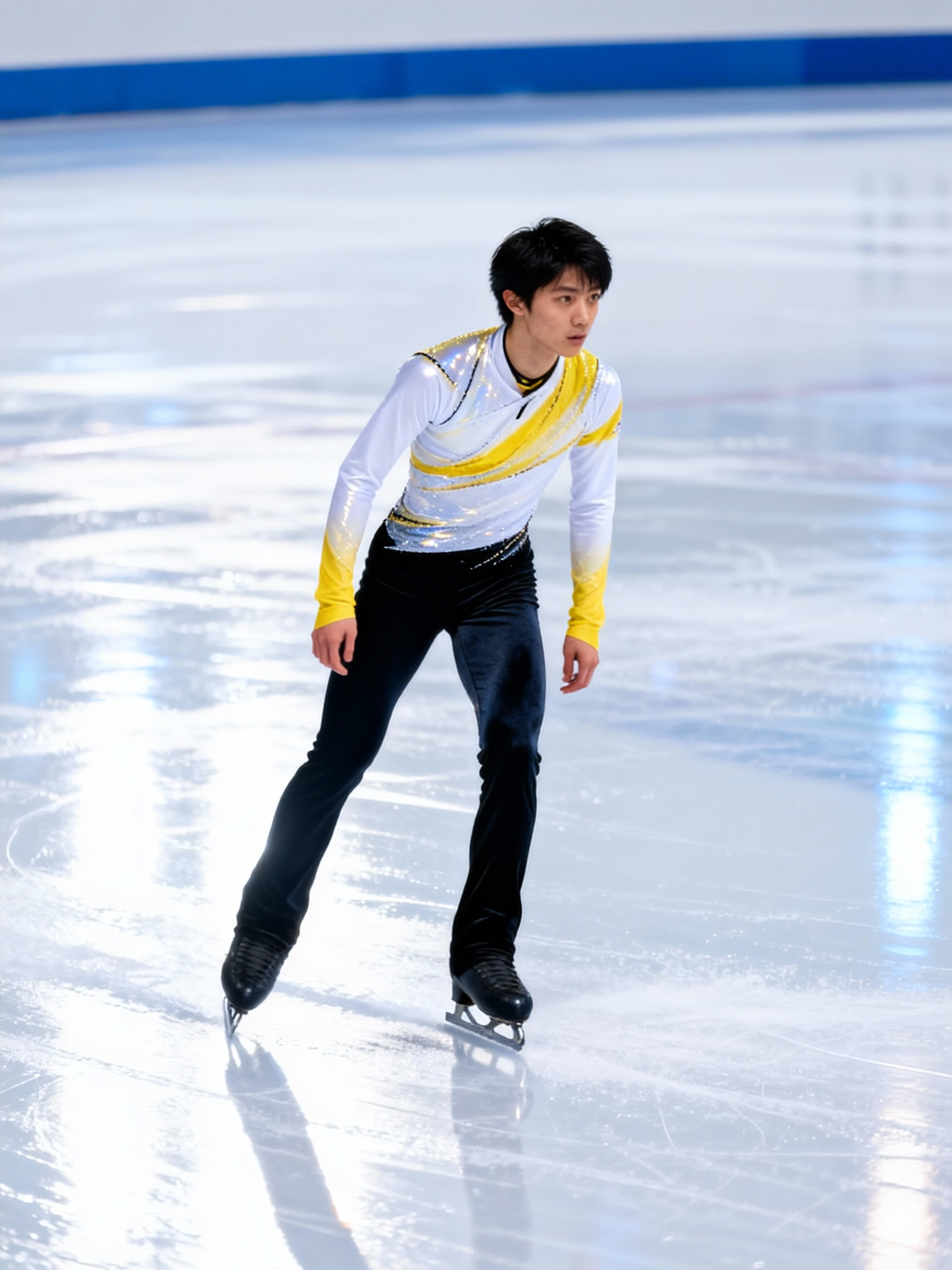
Skating is one of the harder tests for motion transfer: simultaneous arm swing, leg extension, and rotational balance all need to land in the right frame. The model reads the motion reference joint by joint and re-applies it to the target character — limb proportions hold, the face stays consistent, and there's no artifact bleed even at peak velocity.
Dynamic Dance
Rhythm, weight, and presence — not just movement
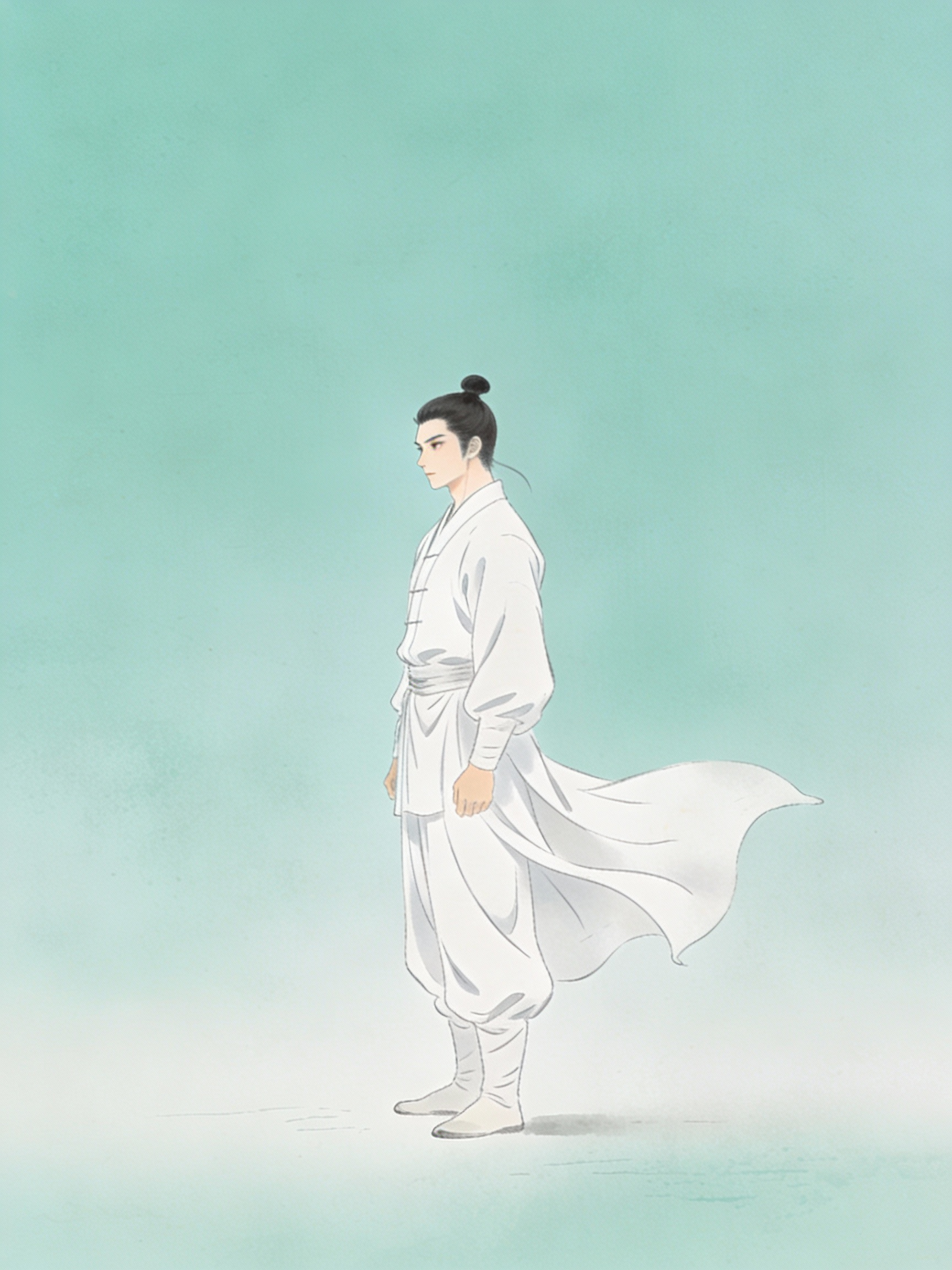
Dance sequences demand synchronized torso rotation, continuous weight shifting, and expressive limb flow — all sustained across several seconds. The model captures micro-movements at 24fps resolution that simpler approaches miss entirely. The result doesn't just look like the character is moving; it looks like they're actually dancing. Weight, timing, and follow-through are all there.
Character Motion Transfer
Same motion, different character — geometry adapts naturally
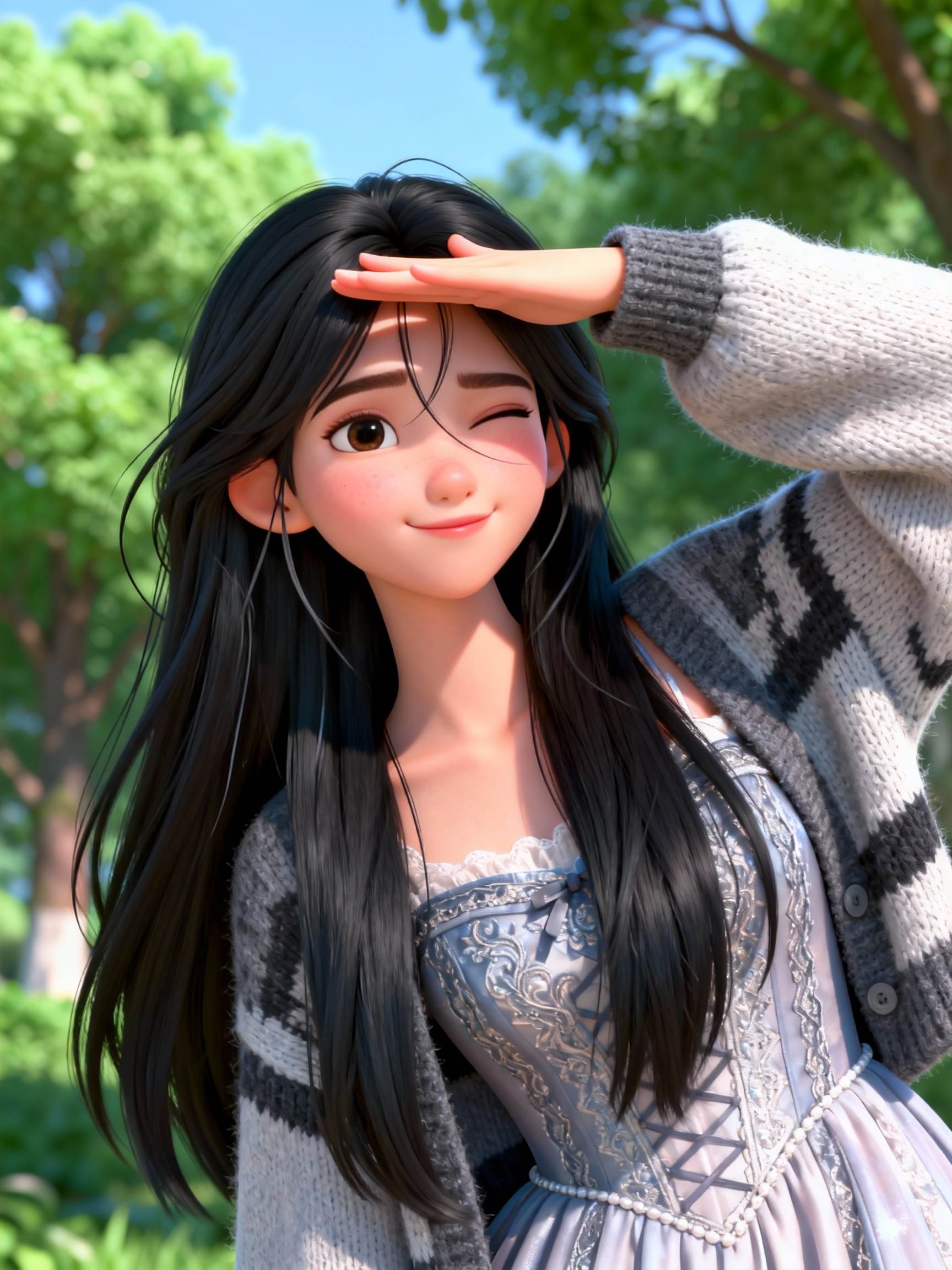
This case separates the motion signature from the original performer entirely. The choreography is decoded, then retargeted to a character with different proportions. The physics-aware retargeting engine adapts the trajectory to the new body's geometry — so the output looks natural for that character, not like a body type forced into someone else's movement.
Hand Gesture
Finger-level accuracy where most models fail
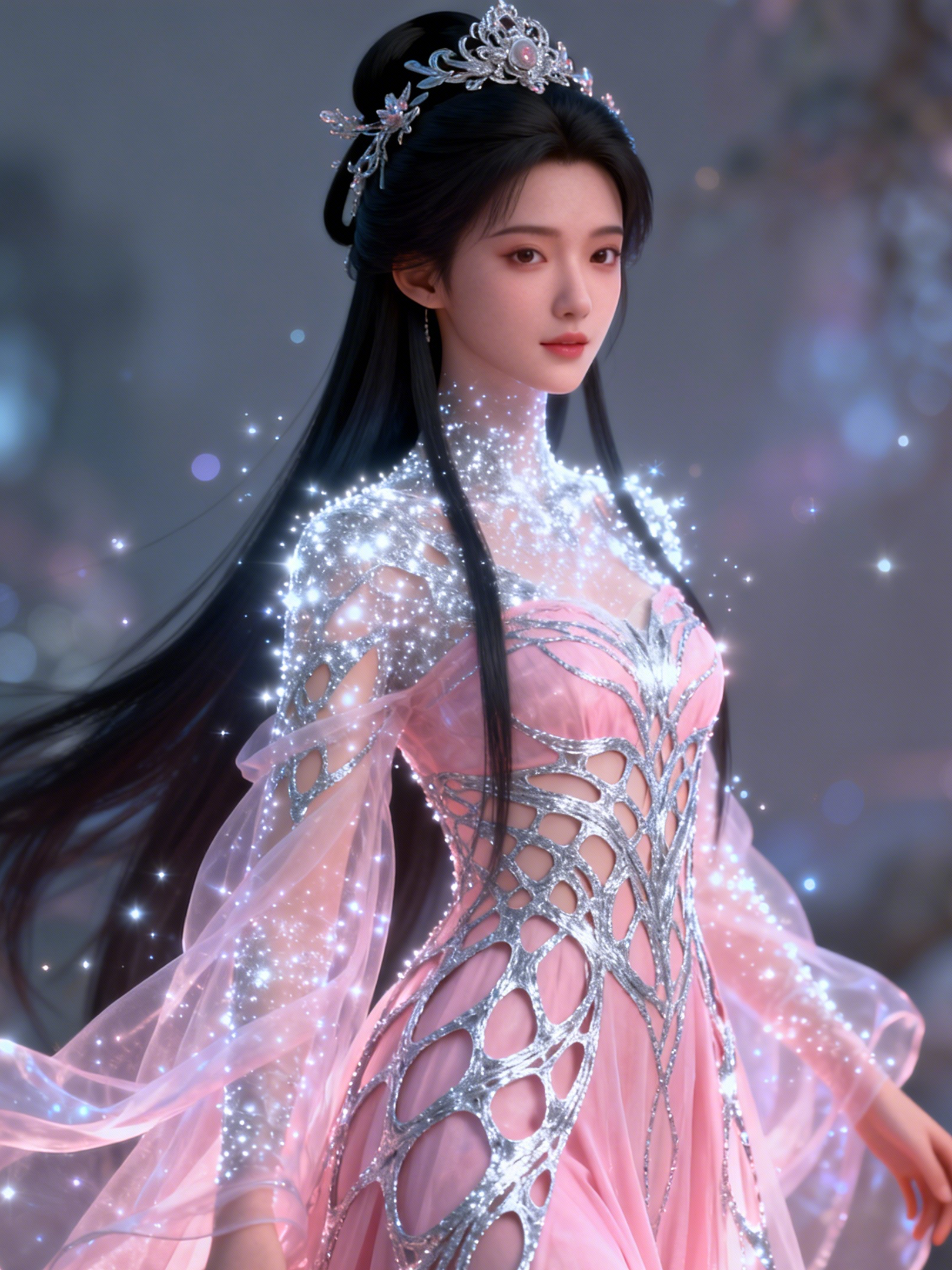
Hand sequences expose a hard limit in most motion models — fingers merge, wrists snap unnaturally, and fine motor detail dissolves after a few frames. This case tracks each finger joint independently, reproducing the gesture with sub-frame accuracy. Useful for cultural content, tutorial creation, or any scene where hands are the subject rather than a supporting detail.
How It Stacks Up
The things that actually matter in motion generation
Motion smoothness and trajectory freedom are where the real differences show. Short-burst clips are easy — the challenge is maintaining consistency across 3-plus seconds of complex choreography, where most models start to drift. Our inter-frame consistency algorithm holds motion coherent across the full clip without temporal artifacts. On the control side: presets give you speed, but they constrain output to what the model already knows. Open-canvas path drawing means you can define any trajectory, any speed curve, and combine multiple motion controls in a single pass. The physics simulation layer is what makes the difference between output that looks physically grounded and output that just looks animated.
| Feature | AI Motion Control | Higgsfield | Wan MC | Zorq AI |
|---|---|---|---|---|
| Long-clip smoothness (5s+) | ✅ Consistent | ⚠️ Degrades | ✅ Good | ⚠️ Variable |
| Trajectory input | ✅ Free-draw canvas | ❌ Presets only | ✅ Path-based | ⚠️ Limited |
| Finger-level tracking | ✅ 21 keypoints | ❌ Body only | ❌ Body only | ❌ Body only |
| Physics simulation | ✅ Full layer | ✅ Partial | ❌ None | ❌ None |
| Free tier | ✅ Yes | ❌ Paid only | ⚠️ Restricted | ❌ Paid only |
Getting Better Results
Three things that consistently improve output quality
Describe the character's physical anchor first
Before defining motion paths, give the model a clear physical baseline — stance, center of gravity, key proportions. Something like "athletic build, weight centered at hip level, upright posture" gives the engine a stable physical model to work from. This single step reduces artifact risk during high-intensity sequences more reliably than any other technique.
Layer motion complexity in passes
For complex choreography, don't ask for everything at once. Start with the gross body motion — torso and hip trajectory — then layer secondary movement (arm swing, head rotation) in a refinement pass. This staged approach prevents the model from over-committing to conflicting motion vectors, and produces much cleaner output for multi-limb synchronized sequences.
Use physics cues to add weight and feel
The difference between output that looks synthetic and output that feels real is usually physical weight. Embed physics cues directly in your prompt: "heavy landing impact", "fluid arm extension with natural deceleration", "sharp stop at peak height". The model treats these as simulation parameters — activating momentum, inertia, and follow-through rather than treating them as style descriptors.
Try It on Your Own Character
Upload a motion reference, add a character image, and generate in under 30 seconds.
About AI Motion Control
What motion control actually does
Motion control extracts movement data from a reference video — joint angles, velocity, trajectory — and retargets it to a character image. The result is a video of that character performing the same motion, adapted to their specific geometry.
Why long clips are harder
Short clips under 2 seconds are relatively forgiving. Temporal drift becomes visible above 3 seconds — joints accumulate small errors that compound across frames. Our inter-frame consistency layer is specifically designed to handle this.
Hand and extremity tracking
Most motion models treat the body as the unit of analysis and stop at the wrist. Finger-level tracking requires separate joint models and sub-frame temporal resolution. It's why hand sequences tend to be where model quality differences become most visible.
Physics simulation vs. style transfer
Physics simulation models real-world forces — momentum, inertia, gravity — so the output obeys physical constraints. Style transfer copies the visual appearance of motion without simulating the forces behind it. The difference is visible in things like landing impacts and deceleration curves.
Free tier details
10 generations on signup, no credit card required. Standard resolution outputs have no watermark. Higher resolution and batch generation are available on paid plans.
Use cases
Character animation for games and entertainment, e-commerce product modeling, educational and tutorial content, cultural and performance documentation, social media content at scale.