Kling 3.0: Director-Level Motion Control for AI Video
Pan. Tilt. Zoom. Roll. Every cinematic move, rendered in seconds.
Kling 3.0 introduces the Omni motion architecture — a unified system that handles camera movement, subject animation, and environmental physics in a single pass. The result is video that moves like it was planned in pre-production, not guessed by an algorithm.
First frame of the video
Last frame of the video
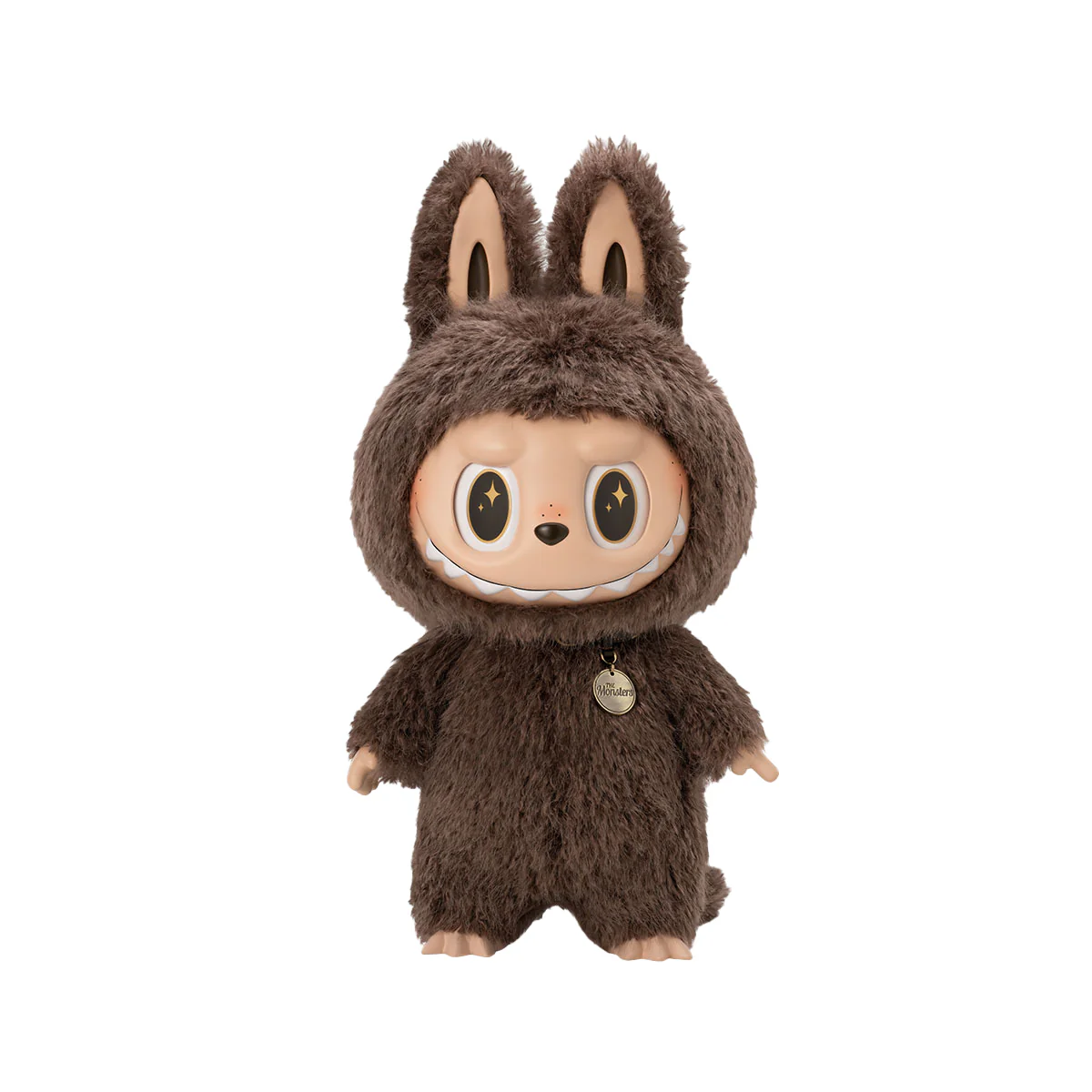
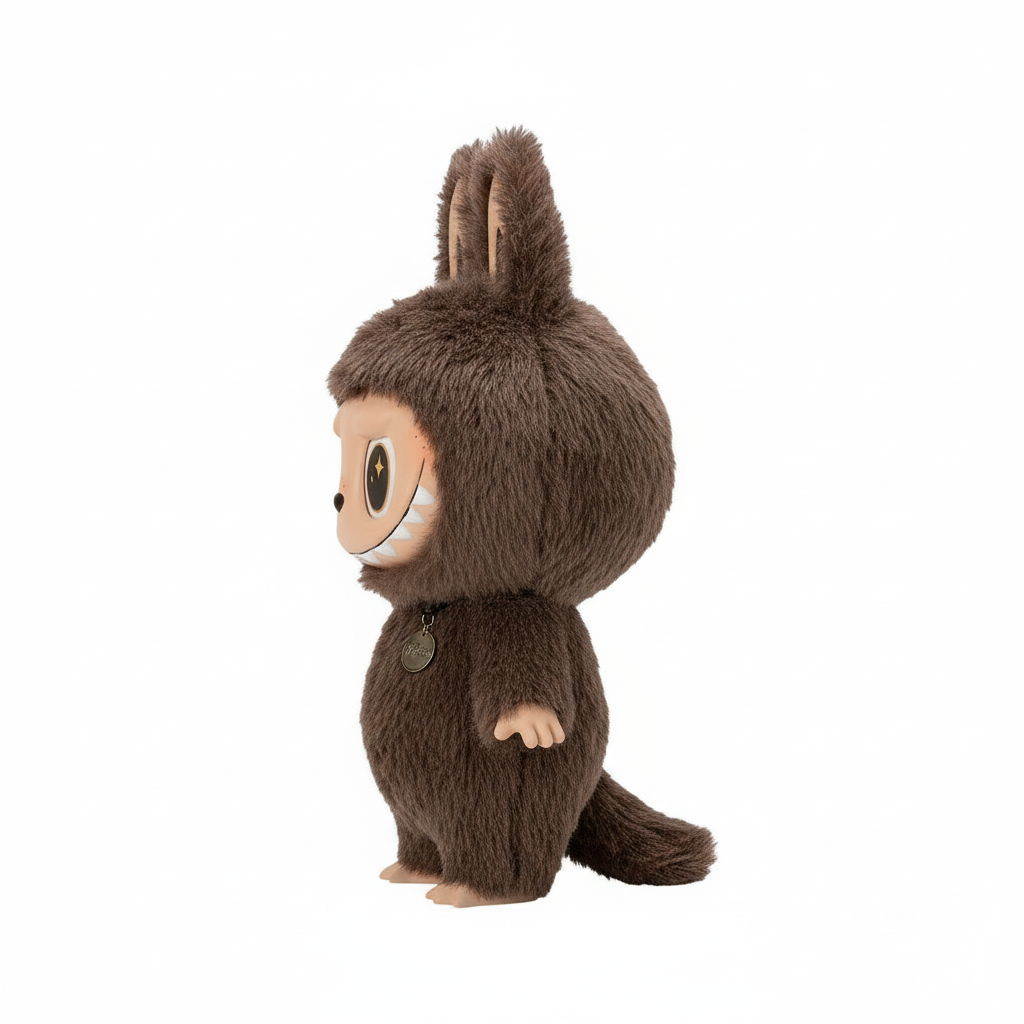
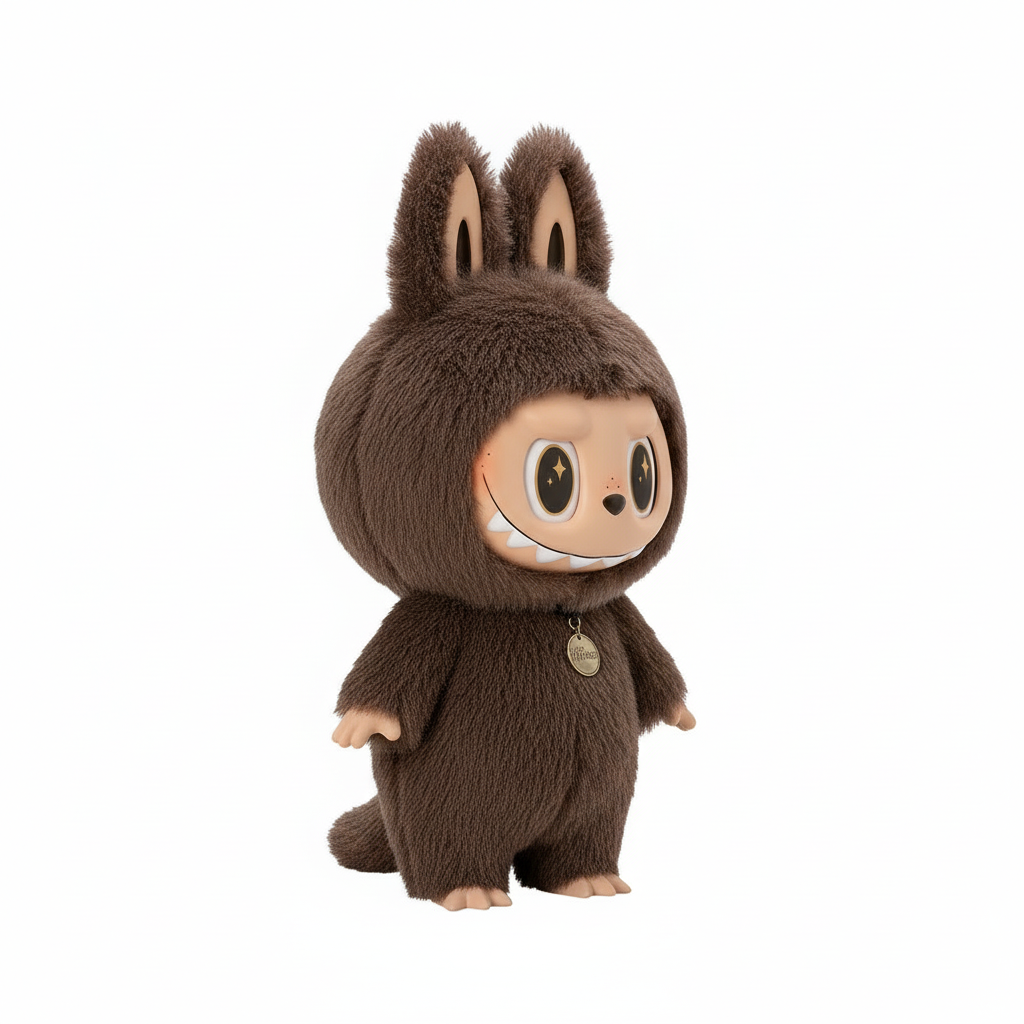
Example Output
See what you can create with the parameters above
What's New in Kling 3.0
The Omni model is the headline change — but the improvements run deeper than architecture. Here's what actually matters for your workflow.
Pan & Tilt
Define exact horizontal sweeps and vertical arcs for your shot. The model executes these with the kind of smoothness you'd expect from a physical gimbal rig — no jitter, no drift between frames.
Zoom & Dolly
Simulate optical zoom or a full dolly push. Kling 3.0 models the depth-of-field shift and parallax separation between foreground and background — not a crop, an actual perspective change.
Roll & Dutch Angle
Apply controlled roll motion for stylistic effect. The scene stays coherent as the horizon tilts — subjects track correctly, and there's no warping at the edges of frame.
Omni Architecture
Previous versions handled camera and subject motion as separate inference passes, which caused conflicts when multiple elements moved at once. Omni processes the entire scene in one pass — every element moves in physically consistent relation to every other.
10–30 Second Generation
Fast enough to iterate meaningfully. Try three different camera moves on the same scene in the time it would take a competing tool to return one result.
REST API Access
Pass camera keyframes as JSON, select motion presets, and receive output via webhook. Built for production pipelines, not just experimentation.
Prompt Guide for Kling 3.0
Prompting for motion control requires a different approach than text-to-image. The Omni model treats camera instructions and subject behavior as distinct semantic channels — write them that way.
The most common mistake is mixing camera and subject instructions in the same sentence. Write camera direction first, subject behavior second, visual style last. Each as its own clause. The model separates them; your prompt structure helps it do that accurately.
Dolly Zoom (Vertigo Effect)
Cinematic@START_IMAGE Camera performs a slow dolly-in toward the subject while simultaneously zooming out to maintain subject size, creating a vertigo perspective shift. Subject remains stationary and sharp. Background stretches away dramatically. Smooth, controlled motion, cinematic color grade, 16:9.
Works best with strong foreground–background depth separation in the start image. cfgScale 0.5–0.7 gives maximum adherence to the motion instruction without over-constraining the style.
High-Speed Lateral Tracking
Action@START_IMAGE Camera pans rapidly left-to-right tracking a fast-moving subject at eye level. Motion blur on background, subject remains sharp via tracking. 24fps cinematic motion cadence, wide angle lens feel, high contrast lighting.
5s duration gives the best motion blur compression. Pair with an element reference image if you need the subject to stay consistent across frames.
Ascending Reveal (Crane Shot)
Establishing@START_IMAGE Camera tilts upward slowly from ground level, revealing a tall structure or expansive landscape. Movement is continuous and fluid, no cuts. Subtle rack focus from foreground detail to distant subject. Golden hour lighting, anamorphic lens characteristics.
Kling 3.0's depth model handles the focus pull well on this shot. Start image should have a strong vertical composition — the more height in the frame, the better the reveal reads.
Kling 3.0 vs Runway Gen-4 vs Google Veo 3.1
A technical comparison focused on the dimensions that determine motion control quality
These three models represent the current frontier of AI video generation. Where they differ most is in how much control they give you over motion — and how consistently they execute it.
| Model | Camera Control | Subject–Camera Coherence | Generation Speed | Max Resolution | Free Tier | API Access |
|---|---|---|---|---|---|---|
| Kling AI 3.0★ | Pan / Tilt / Zoom / Roll / Omni | Unified (Omni model) | 10–30s | 4K UHD | Yes | Full REST API |
| Runway Gen-4 | Limited presets | Occasional drift | 45–90s | 1080p | No | Paid plans only |
| Google Veo 3.1 | Prompt-based only | Good, inconsistent | 20–50s | 1080p | No | Waitlist |
| Sora (OpenAI) | Storyboard-based | Variable | 60–180s | 1080p | No | No |
Internal testing, April 2026. Kling 3.0 is the only model in this comparison with both a free generation tier and a public REST API.
Frequently Asked Questions
Common questions about Kling 3.0 capabilities, access, and how to get the most out of the motion control tools
About Kling AI 3.0
What changed from Kling 2.x to 3.0
The core architectural change in Kling 3.0 is the move to unified scene inference. Kling 2.6 and earlier processed camera motion and subject animation as separate passes, which worked well for simple scenes but broke down when the camera and subject needed to interact — a tracking shot following a moving subject, for example. The Omni model solves this by treating the entire scene as one problem, which produces more physically coherent results across complex motion sequences.
How to write effective prompts for motion control
The most reliable approach is to treat your prompt like a shot description written for a cinematographer: camera instruction first, subject behavior second, visual style last. The model has been trained to parse these as distinct semantic channels. Mixing them in the same clause — 'the camera follows the running figure' — works, but separating them produces more precise execution: 'Camera tracks left at eye level, maintaining constant distance. Figure runs toward frame right.'
Kling 3.0 vs Runway and Sora
The meaningful comparison point across these tools is motion control specificity. Runway Gen-4 excels at stylistic coherence for slower, more static scenes. Sora handles long-form narrative video but with high latency and no public access. Kling 3.0 occupies a different position: it prioritizes giving the user explicit, predictable control over how the camera and subjects move — which matters most when the motion itself is the creative intent, not just a background detail.
Access and pricing
Kling 3.0 is available through a credit system. The free tier — 10 credits on signup, no card required — provides enough generations to evaluate the motion control quality properly. Paid plans scale from $29/month for individual creators up to $99/month for API access with batch processing. All tiers use the same Omni model; the difference is output resolution, queue priority, and API availability.
ai-motioncontrol.com is an independent platform and is not officially affiliated with Kuaishou, Runway, Google, or OpenAI. Kling AI is a trademark of Kuaishou Technology. All other trademarks belong to their respective owners.